
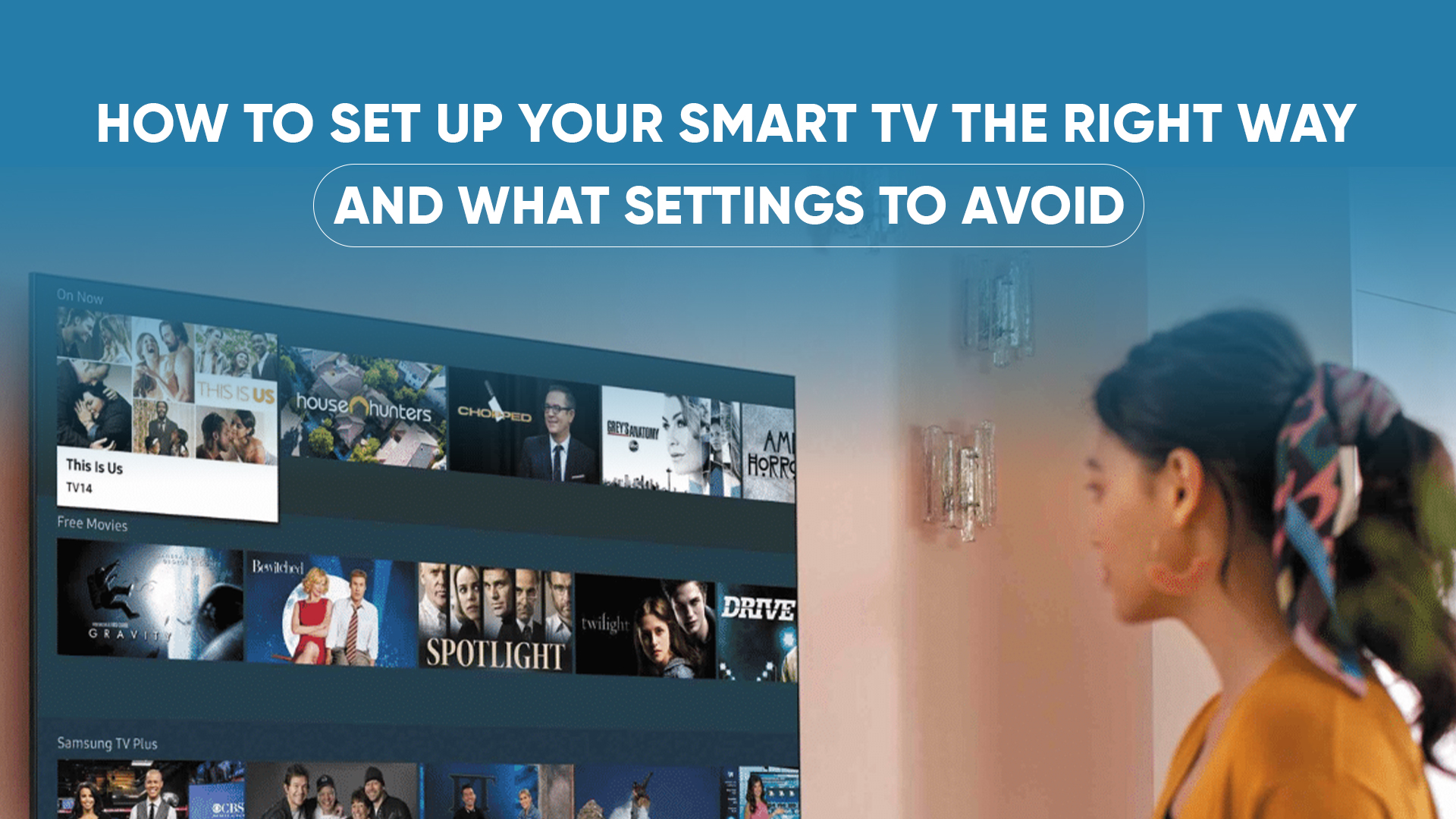
A new Smart TV is exciting but most people never optimize the settings after taking it out of the box. As a result, they miss out on better picture quality, smoother performance, and a more personalized viewing experience.
This guide will help you set up your Smart TV properly, step-by-step, and show you the common settings to avoid so you get the best performance from day one.
1. Start With the Right Placement
Before turning it on, make sure your TV is placed correctly.
- Keep it at eye level for comfortable viewing.
- Avoid placing it opposite windows to reduce reflections.
- Maintain enough space around the TV for ventilation.
Proper placement alone can improve viewing experience and protect the TV’s lifespan.
2. Connect Your TV to a Stable Internet
Streaming requires a reliable connection.
- Use 5GHz Wi-Fi if available.
- If your router is far, use an Ethernet cable for stable performance.
- Update firmware as soon as the TV connects to the internet for improved security and features.
A good connection ensures smoother streaming and faster app performance.
3. Calibrate Picture Settings (Avoid the Default Modes)
Most Smart TVs come with “Vivid” or “Dynamic” mode enabled by default.
These modes make the screen unnaturally bright and harmful for long-term use.
Instead, choose:
- Cinema / Movie Mode for accurate colors
- Standard Mode for balanced viewing
- Game Mode when gaming (low input latency)
You can also customize:
- Brightness: Keep moderate.
- Contrast: Increase slightly for depth.
- Sharpness: Keep low — high sharpness adds artificial noise.
- Color Temperature: Choose “Warm” for natural colors.
4. Enable the Right Audio Settings
Every room is different, so adjust sound settings based on your space.
- Use Clear Voice mode for talk shows or news.
- Use Surround / Theater mode for movies.
- Turn off “Auto Volume” if you notice sudden volume jumps between channels or apps.
If you have a soundbar, set your TV to PCM or Bitstream for best performance.
5. Organize and Update Your Apps
Smart TVs come with too many pre-installed apps, which slow down performance.
Do this immediately:
- Uninstall apps you won’t use.
- Update the apps you need.
- Change the home screen layout to keep important apps at the top (YouTube, Netflix, Prime Video).
This keeps the TV running fast and clutter-free.
6. Set Up Your Voice Assistant
Most modern TVs support Google Assistant or Alexa.
- Link it with your Google account.
- Enable voice search.
- Set parental controls if children use the TV.
Voice assistants make switching channels, searching for videos, and controlling your smart home much easier.
7. Don’t Forget to Turn On Security Settings
Smart TVs run apps and connect to the internet,so treat them like any other smart device.
- Enable automatic software updates.
- Use secure Wi-Fi.
- Disable app permissions you don’t need.
This keeps your TV safe from malware and slowdowns.
Settings You Should Avoid
1. Motion Smoothing / Motion Flow
This makes movies look unnatural (soap-opera effect). Turn it OFF, especially for films and TV series.
2. Excessive Sharpness
High sharpness adds fake outlines. Always keep sharpness low (0–20%).
3. Max Brightness All the Time
This reduces panel lifespan and increases power usage. Use adaptive brightness or adjust manually.
4. Energy Saving Mode During Movies
This lowers picture quality. Use it only for regular TV watching, not for cinema experience.
5. Bluetooth Always On
Keeps searching for devices and drains power. Turn it on only when needed.
If you properly set up your Smart TV from the beginning, you will enjoy better picture quality, smoother performance, and a more cinematic experience. Avoid the unnecessary settings, customize the right ones, and your TV will perform at its best.
If you’re planning to upgrade your Smart TV, Pickaboo offers 100% official and authentic TVs from top brands, with brand warranty, EMI facilities, and smooth delivery all over Bangladesh. Shop smart- shop confidently with Pickaboo.

)
&description=&image=https://www.pickaboo.com/blog/wp-content/uploads/2025/11/tv-setup-copy-1024x576.jpg)