
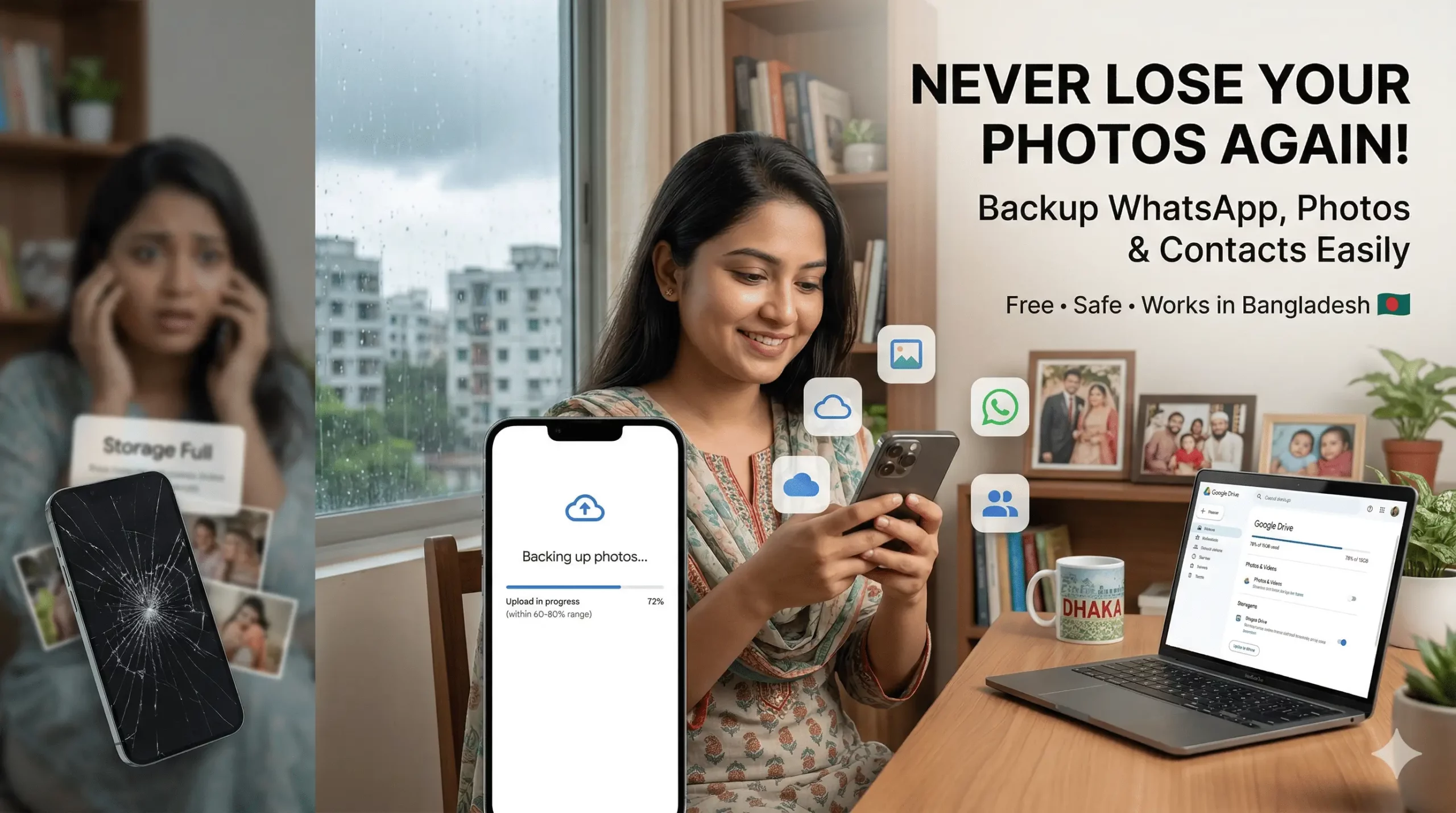
Losing your phone is heartbreaking. Losing years of family photos, wedding videos, baby pictures, and WhatsApp conversations is devastating. Yet 70% of Bangladeshi smartphone users have NEVER backed up their data, risking permanent loss from theft, water damage, or hardware failure.
This guide shows you exactly how to back up everything using free cloud services that work perfectly in Bangladesh.
Why Bangladeshi Users Urgently Need Backups
- 📱 Phone theft in buses, markets, and public transport
- 🌧️ Water damage during monsoon season
- ⚡ Sudden phone crashes or motherboard failure
- 🔄 Switching phones without transferring data
- ⚠️ Accidental factory reset
Reality: You could lose thousands of photos, contacts, and chats instantly.
Part 1: Backup WhatsApp Chats & Media
WhatsApp holds your most important conversations. Follow the official guide from
WhatsApp backup settings.
Android Users
- Open WhatsApp → Settings → Chats → Chat Backup
- Select Google Account
- Choose backup frequency (Daily recommended)
- Select WiFi only
- Tap Back Up
Learn more about free backup storage from
Google Drive WhatsApp backup.
Restore Backup
Follow the official restore process from
WhatsApp restore guide.
Part 2: Backup Photos & Videos
Use Google Photos for automatic backup:
- Enable “Back up & sync”
- Select “Storage saver” for unlimited compressed storage
- Backup over WiFi
Watch step-by-step video guide:
Part 3: Backup Contacts
Android
- Go to Settings → Google → Sync
- Enable Contacts sync
- Verify at Google Contacts
Manual Backup
- Export contacts as .VCF file
- Upload to Google Drive
Part 4: Backup Documents & Files
Use Google Drive to upload:
- Certificates
- PDFs
- Screenshots
- Important documents
If backup issues occur, check recovery help here:
Google Drive Backup Recovery Help
Complete Backup Checklist
- ✅ Enable WhatsApp backup
- ✅ Enable Google Photos backup
- ✅ Sync contacts
- ✅ Upload important files
- ✅ Verify backup completed
Common Mistakes to Avoid
- ❌ Not enabling automatic backups
- ❌ Only storing data on phone
- ❌ Ignoring backup errors
- ❌ Using unsafe third-party apps
Final Tip
Spend 30 minutes today setting up backups and protect your data forever.







)
&description=&image=https://www.pickaboo.com/blog/wp-content/uploads/2026/04/Best-Way-to-Back-Up-Photos-Contacts-and-WhatsApp-for-Bangladeshi-Users-Without-Losing-Anything-1024x572.webp)