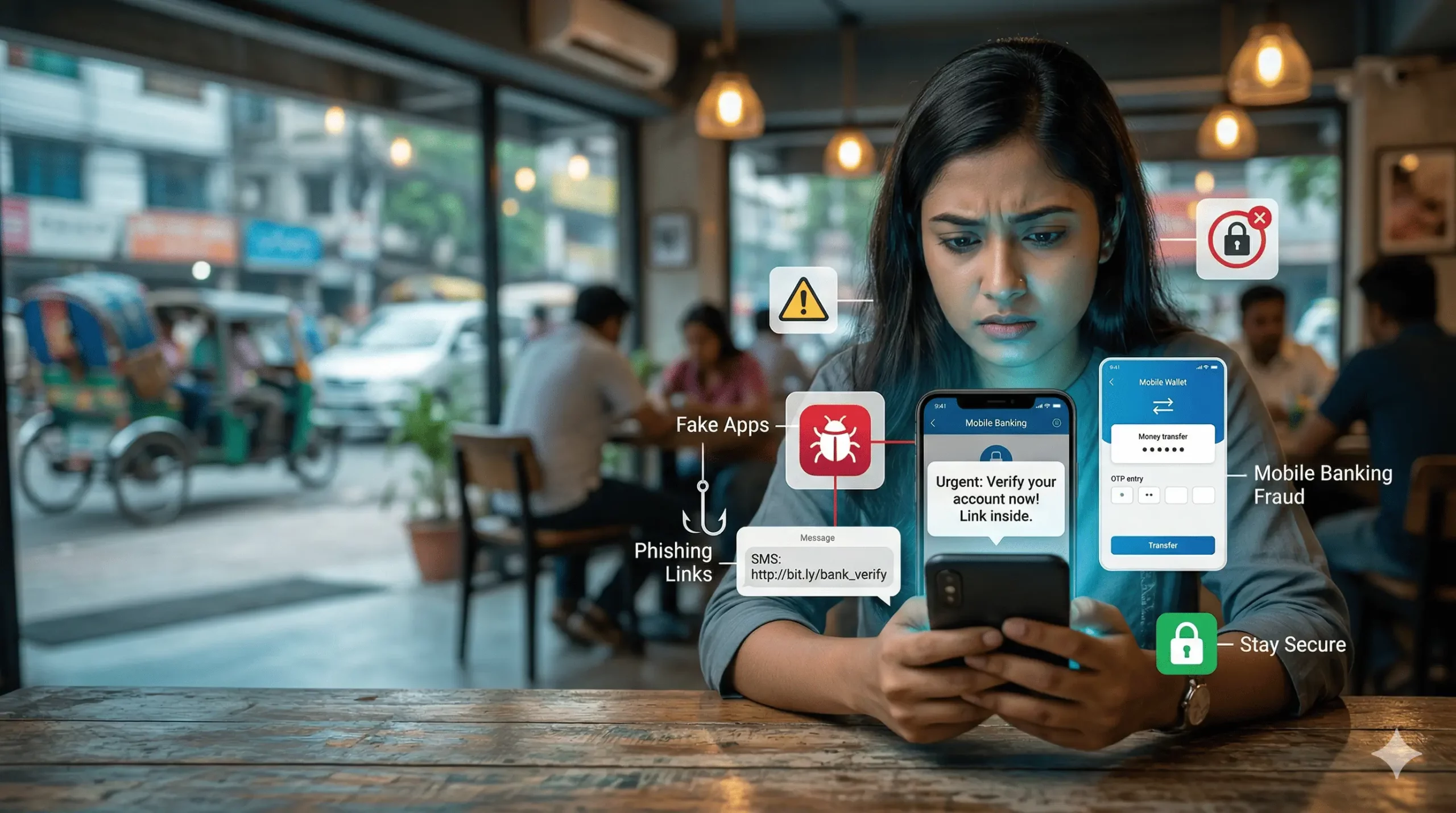
In Bangladesh’s rapidly growing digital economy, smartphones have become essential tools for communication, entertainment, and financial transactions. With millions of users relying on mobile financial services like bKash and Nagad, security threats from cybercriminals are increasing rapidly.
This guide will help you protect your smartphone and financial accounts from fake apps, phishing scams, and mobile banking fraud.
Understanding the Threat Landscape in Bangladesh
Why Bangladesh is a Prime Target
- Widespread use of mobile financial services
- Rapid smartphone adoption
- Limited cybersecurity awareness
- High social media usage
Common Attack Methods
- Fake mobile apps
- Phishing links via SMS, WhatsApp, Facebook
- Malware attacks
- Social engineering scams
The SikkahBot Threat
SikkahBot is a dangerous Android malware targeting users in Bangladesh through fake scholarship offers and malicious apps.
- Steals personal and financial data
- Intercepts OTP messages
- Accesses banking information
Key Tip: Never download apps from unknown sources.
Fake Mobile Banking Apps
Cybercriminals create fake apps that look like bKash or Nagad to steal your information.
- Fake interfaces mimic real apps
- No real transactions happen
- Your data is stolen instantly
How to Identify Fake Apps
1. Suspicious Sources
- Avoid third-party app stores
- Never install apps from SMS or WhatsApp links
- Use Google Play Store only
2. Permission Red Flags
- Requests for SMS or contacts
- Accessibility access
- Admin control of device
3. Poor App Quality
- Spelling mistakes
- Low downloads
- No reviews
4. Unrealistic Offers
- Free money or rewards
- Instant loans
- Guaranteed returns
Recognizing Phishing Links
Common Tricks
- Urgent messages
- Fake authority claims
- Too-good-to-be-true offers
How to Stay Safe
- Check website URL carefully
- Never click unknown links
- Use official apps only
- Verify via official hotline
Mobile Banking Security Tips
1. Strong Authentication
- Use strong PINs
- Enable fingerprint/face unlock
- Never share OTP
2. Monitor Transactions
- Enable SMS alerts
- Check history regularly
- Report suspicious activity immediately
3. Network Safety
- Avoid public WiFi for banking
- Use mobile data
- Secure home WiFi
Device-Level Security
1. Keep Your Phone Updated
- Install system updates
- Update apps regularly
- Replace outdated devices
2. Install Security Apps
- Use antivirus apps
- Enable Google Play Protect
3. Manage App Permissions
- Review permissions monthly
- Remove unused apps
What to Do If You Are Hacked
Immediate Steps
- Uninstall suspicious apps
- Change passwords
- Check bank transactions
- Contact support immediately
Emergency Contacts
- bKash: 16247
- Nagad: 16167
- Police: 999
Safe Smartphone Buying Tips
- Always buy genuine devices
- Avoid unofficial sellers
- Choose brands with regular updates
Final Advice
Stay alert, avoid unknown apps, and never share sensitive information. Following these simple steps can protect your smartphone and financial data from fraud.