How to Improve Sound Quality on Budget Smart TVs in Bangladesh Without Buying a Soundbar
Budget smart TVs under ৳30,000 often disappoint Bangladeshi buyers with poor audio quality. The built-in speakers produce tinny, weak sound lacking bass and clarity.
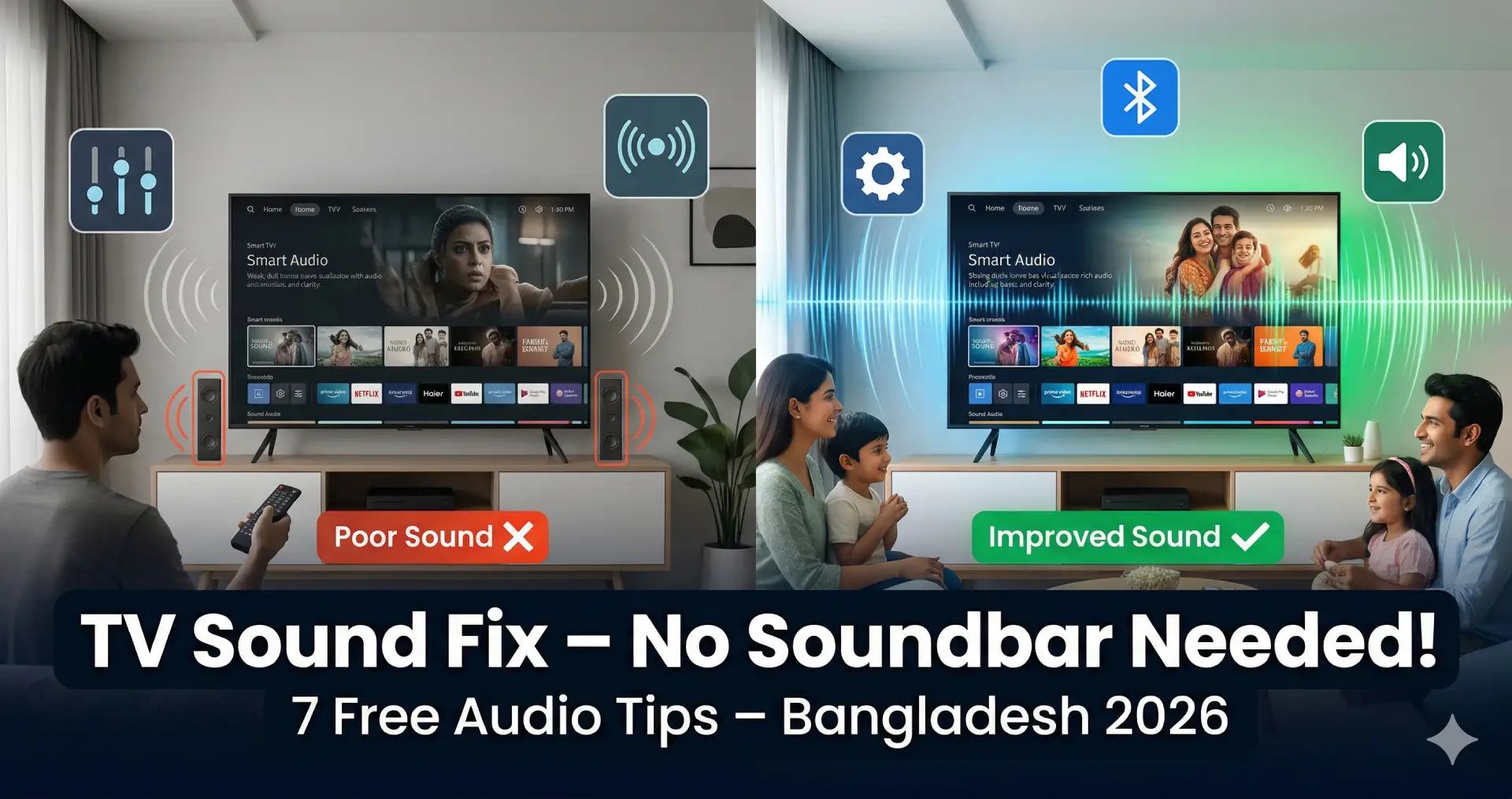
Many families assume they must purchase expensive soundbars (৳15,000+) to enjoy quality audio. The truth? Seven simple, completely free adjustments can dramatically improve your TV’s sound without any additional purchases.
These practical solutions work with Haier, Samsung, Sony, Walton, and all smart TV brands available in Bangladesh.
Why Budget Smart TVs Have Weak Sound
Manufacturers reduce costs by using basic speaker hardware. Budget models typically include:
- Single or dual 5W speakers
- Thin plastic speaker panels
- Small internal speaker chambers
- Weak amplification circuits
While these limitations are hardware-based, proper adjustments can significantly improve audio performance.
Understanding Your TV’s Audio Settings
Most users never explore built-in sound settings. However, modern smart TVs include powerful audio customization options hidden in the settings menu.
Learning how to use these features can completely transform your listening experience without spending extra money.
7 Free Ways to Improve Smart TV Sound Quality
| Fix | Impact | Difficulty |
|---|---|---|
| Sound Mode Optimization | High | Easy |
| Equalizer Adjustment | High | Medium |
| Virtual Surround | Medium | Easy |
| External Audio Devices | Very High | Easy |
| Room Acoustics | High | Easy |
| Volume Optimization | Medium | Easy |
| HDMI Audio Settings | Medium | Medium |
Fix #1: Optimize Sound Modes
Navigate to Settings → Sound → Sound Mode and test available options:
- Standard: Balanced sound
- Music: Better mids and highs
- Movie: Deep bass and immersive sound
- Dynamic: Louder output
- Clear Voice: Best for dialogue clarity
Tip: Movie Mode usually provides the best overall experience.
Fix #2: Adjust Equalizer Settings
Go to Settings → Sound → Equalizer.
- Increase bass slightly (10–20%)
- Keep mids neutral
- Reduce treble slightly
This improves clarity while reducing harsh sound output.
Fix #3: Enable Virtual Surround Sound
Enable surround options from Settings → Sound → Surround.
- Stereo
- Virtual Surround
- Dolby Digital
- DTS
This creates a wider and more immersive sound experience.
Fix #4: Use External Audio Devices
- Bluetooth speakers (৳2,000–৳5,000)
- Smartphone speaker backup
- External wired speakers
These options deliver significantly better sound than built-in TV speakers.
Fix #5: Improve Room Acoustics
- Add curtains to reduce echo
- Use carpets and sofas
- Avoid placing TV in corners
- Keep TV at ear level
Room setup has a major impact on sound quality.
Fix #6: Manage Volume Properly
- Keep volume between 60–75%
- Avoid maximum volume
- Enable dynamic range compression
Lower volume often produces cleaner sound without distortion.
Fix #7: Check HDMI Audio Settings
- Set HDMI audio format to PCM
- Disable noise reduction
- Turn off unnecessary processing
- Update TV firmware
This ensures proper audio signal handling.
Bluetooth Speaker Alternatives (Budget Option)
| Model | Type | Price (BDT) |
|---|---|---|
| Anker R50i TWS | Portable | ৳1,350 |
| JBL Bluetooth Speakers | Mid-range | ৳5,000 – ৳15,000 |
| Marshall Kilburn II | Premium | ৳18,000 |
Recommended Smart TVs with Better Audio
| Model | Type | Price (BDT) |
|---|---|---|
| Haier 43″ QLED TV | QLED | ৳34,990 |
| Samsung 43″ Crystal UHD | 4K UHD | ৳43,690 |
| Sony Bravia 43″ | Premium | ৳76,990 |
Conclusion
Budget smart TV sound quality does not have to be disappointing. By applying these seven free fixes, you can significantly enhance your TV’s audio without buying a soundbar.
From adjusting equalizer settings to improving room acoustics, these simple steps can transform your viewing experience.
If you plan to upgrade later, consider TVs with better built-in audio or affordable external speakers for an even richer sound experience.