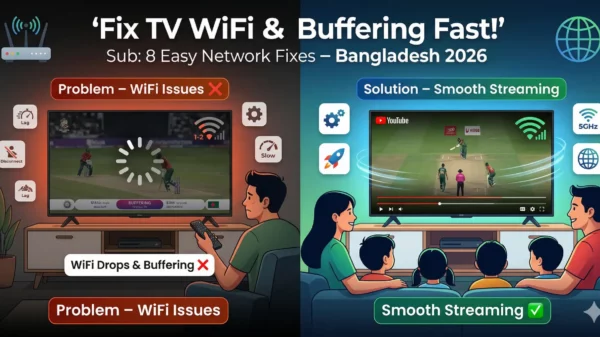
OTT, Bongo & Toffee Buffering On Your TV? Practical Streaming Fix Guide For BD Users
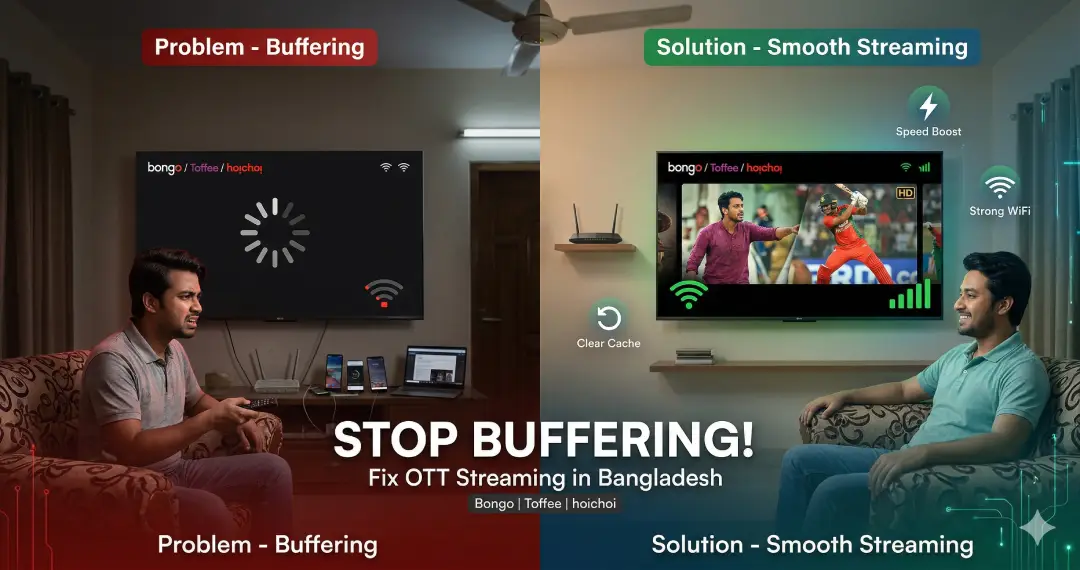
Bangladeshi families eagerly settle down to watch the latest episode of their favorite drama on Toffee. They press play, but immediately face the dreaded buffering wheel spinning endlessly…
Why Bangladesh Experiences Unique Streaming Challenges
Bangladesh’s internet infrastructure creates streaming obstacles unknown to Western users…
Understanding Streaming Speed Requirements
- SD (480p): 1.5 Mbps minimum
- HD (720p): 2.5 Mbps minimum
- Full HD (1080p): 5 Mbps minimum
- 4K: 15 Mbps minimum
9 Practical Fixes to Stop OTT Buffering
Fix #1: Check Your Internet Speed
Open YouTube and run a speed test…
Fix #2: Clear App Cache
Go to Settings → Apps → Clear Cache…
Fix #3: Reduce Video Quality
Lower resolution to avoid buffering…
Fix #4: Disable Other Devices
Stop downloads and background streaming…
Fix #5: Restart Router
Unplug router for 30 seconds and restart…
Fix #6: Improve WiFi Signal
- Move router closer
- Elevate router
- Remove obstacles
Fix #7: Use 5GHz WiFi
Connect to faster dual-band network…
Fix #8: Update TV & Apps
Install latest updates for better performance…
Fix #9: Contact Your ISP
Upgrade plan or ask for better packages…
Peak vs Off-Peak Streaming in Bangladesh
- Peak: 7–11 PM (slow speeds)
- Off-Peak: Faster streaming
Recommended Smart TVs for Streaming
- Haier 43″ Google TV
- Samsung 43″ Crystal UHD
- Haier 50″ HQLED TV
Ramadan Streaming Preparation Tips
- Update apps early
- Upgrade internet plan
- Download content beforehand
Offline Viewing Strategy
Download content during off-peak hours…
Conclusion
By applying these fixes, you can enjoy smooth streaming without interruptions…